

Adult game formats change what you install, what your device must handle, where your saves live and how easily you can leave. A browser game can start quickly, a desktop download can offer deeper performance control, and a mobile game can be convenient. None is automatically the best choice. The right format is the one whose requirements, permissions, payment model and update path you understand before you commit.
Browser, download or mobile: the short answer
- Choose browser play when you want the lowest setup burden and accept that performance, saves and feature support depend on the browser and site.
- Choose a desktop download when the game needs more local resources or offline files and you can verify the publisher, build, system requirements and installer.
- Choose mobile when touch controls and portability matter, after checking store availability, permissions, storage, purchases and account recovery.
The format does not prove quality or safety. It only changes the questions you should ask.
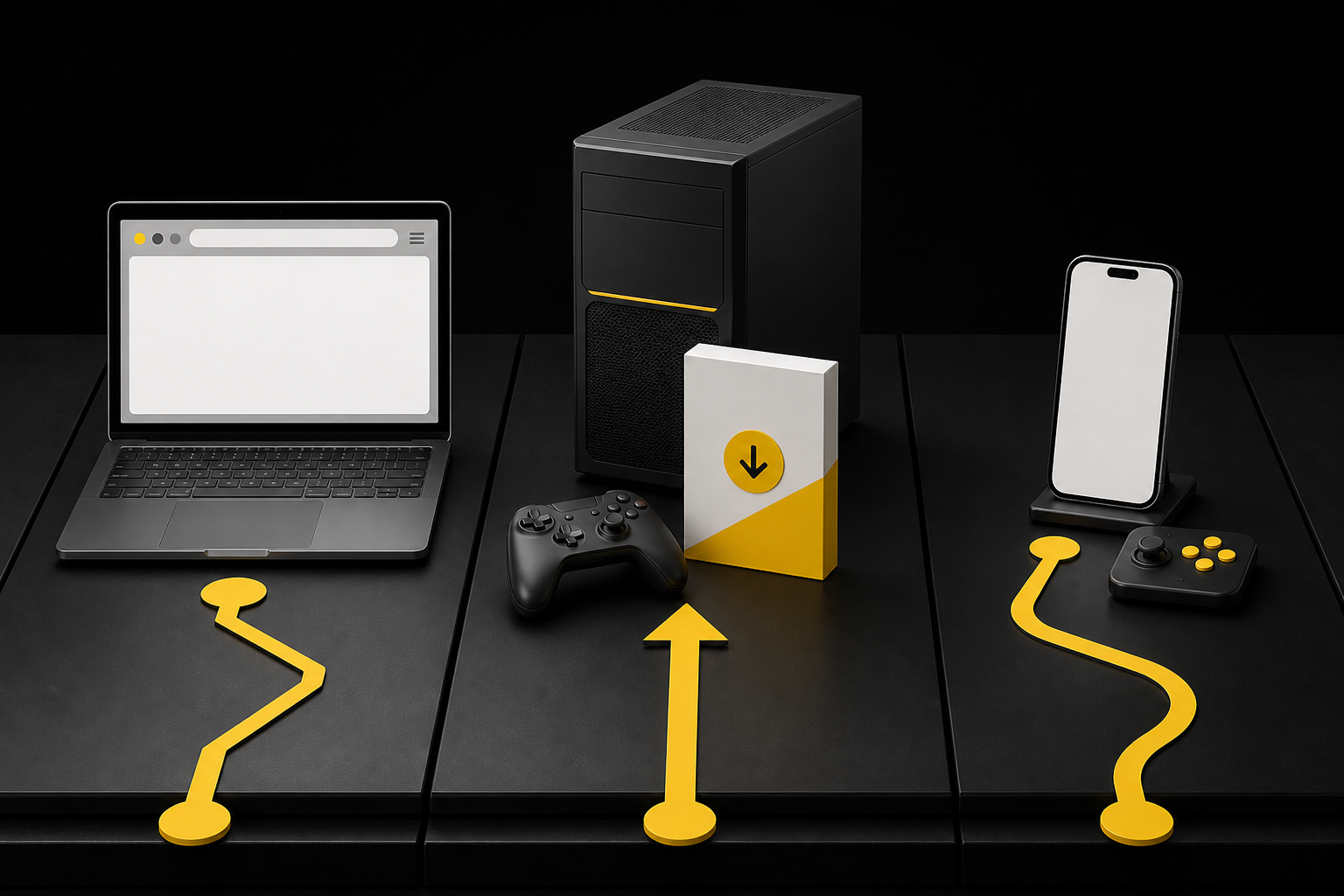
Compare adult game formats before you choose
| Question | Browser | Desktop download | Mobile |
|---|---|---|---|
| Setup | Usually opens from a website | Requires a local installer, archive or platform client | Usually installed through a store or mobile download route |
| Device load | Browser, memory and graphics support matter | CPU, GPU, memory, storage and operating system requirements matter | Device model, OS version, storage, heat and battery matter |
| Saves | May depend on browser storage or an account | May be local, cloud-linked or tied to a launcher | May be local, account-based or linked to a mobile platform |
| Updates | Site may update without a local install | Publisher, launcher or manual update path | Store or developer update path, subject to device support |
| Exit | Close the session and review account data | Uninstall, remove remaining files and review the account | Uninstall, review permissions, purchases and account data |
Choose browser play when setup matters most
Browser play is useful when you want to test a format without installing a full desktop build. It can also work across more than one operating system if the site supports the required browser features. That convenience does not mean every browser or device will behave the same way.
Before you start, check the supported browsers, minimum screen size, hardware acceleration guidance, account requirement and save behavior. Ask whether progress is stored in the browser, tied to an account or cleared when site data is removed. If there is no clear answer, treat the save route as unknown.
Do not disable browser protection just because a page asks. Chrome says it blocks downloads identified as dangerous, suspicious, unverified or insecure. A warning is a reason to stop and verify the source, not an obstacle to click through automatically.
Choose a desktop download when the build is verifiable
A local build may provide stronger graphics options, controller support or offline access. It also places more responsibility on you to confirm the exact publisher, download route and installer before opening it.
Read the system requirements before paying. Match the operating system, processor architecture, graphics requirements, memory and free storage. Leave extra space for extraction, updates and save files. A game that technically installs can still perform poorly if the minimum requirements describe only the point at which it launches.
Use the operating system’s built-in checks. Apple documents Gatekeeper checks for identified developers and notarization on current macOS versions. Windows provides reputation-based protections such as Microsoft Defender SmartScreen for apps and files downloaded from the web. These controls are layers, not endorsements of a game’s content or business practices.
Choose mobile when permissions and purchases are clear
Mobile play trades screen space and cooling headroom for convenience. Check whether the game is designed for touch, supports your device and remains available in your region. Look at the last update, declared purchases and developer support route, but do not treat a recent date as proof of quality.
Review permissions before accepting them. A game may have a reason to request storage, notifications or network access. Camera, microphone, contacts or precise location require a clearer explanation. On Windows and mobile systems, permission menus can show which apps may access sensitive capabilities. The available controls vary by platform and app type.
On Android, Google Play Protect checks apps from Google Play and can scan potentially harmful apps from other sources. It may warn, disable or remove an app. Do not turn off platform protection because an installer or website tells you to do so.

7 checks that matter in every format
1. Verify the exact source
Start from the developer, publisher or recognized platform route you intended to use. Check the domain carefully. A copied title, thumbnail or character image does not prove that a download belongs to the original developer.
2. Match the build to the device
Confirm operating system, version and architecture. A Windows build is not a macOS build. A mobile package is not automatically suitable for every Android device. If compatibility is not documented, do not fill the gap with a guess.
3. Read the full payment model
Separate the initial price from subscriptions, downloadable content, in-game currency, tips and optional purchases. Check renewal and cancellation terms before paying. A free download can still lead to paid features or recurring charges.
4. Check saves and account recovery
Find out whether saves are local, browser-based or account-linked. Ask what happens when you change devices, clear browser data, uninstall the game or lose access to an email address. Do not assume a cloud icon means every save is recoverable.
5. Keep security warnings on
Do not weaken browser, operating-system or mobile protections to make an unknown build run. If a warning appears, stop. Recheck the source and developer instructions. If the only instructions demand that you bypass protection, the unresolved risk is material.
6. Review permissions after installation
Open the device permission panel and compare access with the features you actually use. Remove permissions that no longer have a clear purpose. Desktop apps can behave differently from store apps, so use both the app’s settings and the operating system’s available controls.
7. Confirm the exit path
Before investing time or money, identify how to cancel a subscription, delete an account, export or remove saves and uninstall the software. Uninstalling a game may not delete an online account or cancel billing.
The 60-second format decision
- Name the device you will actually use.
- Decide whether browser convenience, desktop control or mobile portability matters most.
- Check the exact build and source.
- Check storage, permissions and save behavior.
- Check the complete payment and exit model.
- Stop if the format requires you to ignore a security warning.
Frequently asked questions
Are browser adult games safer than downloads?
Not automatically. Browser play reduces some installation steps, but the website, account, payment flow, browser support and data practices still require evaluation. A format is not a safety rating.
Why does an adult game run badly on my laptop?
Possible causes include unsupported browser features, limited memory, graphics settings, heat, storage pressure or a build that exceeds the device’s practical capability. Start with the game’s current requirements and support route rather than buying an upgrade immediately.
Should I bypass a blocked download?
Do not bypass it automatically. Browser and operating-system warnings exist because a file or source may be dangerous, suspicious or unfamiliar. Verify the publisher and route first. If the warning cannot be resolved through trustworthy documentation, do not install the file.
Does uninstalling cancel an adult game subscription?
Not necessarily. Software removal and billing cancellation are separate actions. Use the account or payment route identified in the current terms and keep confirmation of the cancellation.
The bottom line
Adult game formats are not a quality ladder. Browser, desktop and mobile each move the work to a different place. Browser play puts more weight on browser support and account behavior. Downloads put more weight on source verification and system fit. Mobile puts more weight on permissions, platform availability and purchase controls.
Choose the route whose tradeoffs you can verify. If the build, payment model, permissions, saves or exit path remain unclear, mark them unknown and keep looking.


