

Direct answer: Adult game recurring charges can survive when you stop playing. Stop looking only inside the game. Adult-game access can be sold as a one-time purchase, a creator membership, an app-store subscription, or a direct web renewal. Uninstalling a game usually removes software, not the billing agreement. Find the merchant and billing rail on your receipt or statement, cancel there, save the confirmation, then handle account deletion and privacy as separate steps.
If another charge is due soon, do the cancellation check first. A refund request, deleting files, removing a card, and deleting an account are not reliable substitutes for confirmed cancellation.
Find the source of adult game recurring charges
Before the exit steps, compare this with our adult game buying checklist if you need a pre-purchase record. The word “game” hides several different transactions. You may have bought a downloadable build once. You may instead be supporting a developer each month for early builds, bonus files, or community access. A mobile subscription can be billed by the app store even when the developer runs the game. A direct website may use its own processor.
Open the latest receipt and bank or card statement. Record:
- the exact statement descriptor, amount, date, and currency;
- the email address that received the receipt;
- whether the receipt names a platform, creator, processor, or app store;
- the next billing date and plan interval, if shown;
- the account and sign-in method used at checkout.
Do not post a full statement or receipt publicly. Redact card numbers, address, transaction IDs, and email before sharing evidence with anyone other than the relevant provider or your bank.

Match the charge to the right exit door
| What the evidence shows | Where to cancel | What confirms the exit |
|---|---|---|
| Apple subscription | Apple Subscriptions for the Apple ID used to buy | The subscription shows an expiry date rather than an active renewal |
| Google Play subscription | Google Play Subscriptions for the Google Account used to buy | The plan shows canceled and the access end date |
| Creator membership | The membership page for the account named on the receipt | The creator is no longer active and billing history remains available |
| Direct website renewal | The website account or processor portal linked from the receipt | A confirmation page or email names the plan and effective date |
| One-time store purchase | Usually nothing recurring to cancel | The receipt says purchase, not subscription; verify the statement for later repeats |
| Unknown descriptor | Search your inbox, password manager entries, and statement history; then ask the issuer to identify it | You can name the merchant and determine whether the payment is recurring |
If the subscription is missing, check other email addresses and sign-in methods before assuming cancellation. Patreon’s current help material, for example, specifically warns that a second account can leave a membership on the original account.
Cancel renewal before chasing a refund
Cancellation and refund are separate decisions. Canceling normally prevents a future renewal; it does not automatically reverse a charge already processed. Platform rules also differ.
Google says Play subscriptions continue until canceled and explicitly states that uninstalling an app does not cancel the subscription. Apple directs customers to cancel in the Subscriptions screen for the Apple Account that made the purchase. Patreon says a canceled paid membership will not renew for the next billing period, but access and possible final charges depend on the billing model. Its current guidance says pending per-creation bills can still be processed at cancellation.
This is why the useful sequence is:
- Cancel in the system that controls billing.
- Capture the confirmation, access-end date, and next-bill status.
- Check billing history for pending or duplicate charges.
- Submit a refund request through the applicable provider if the facts fit its policy.
- Escalate an unrecognized charge to the card issuer only after recording the merchant evidence and any support case.
Do not promise yourself a refund before the provider reviews it. Eligibility can depend on the seller, billing rail, country, timing, and whether content was accessed.
Keep proof that renewal is off
For adult game recurring charges, the dated cancellation record is the most useful evidence if billing continues.
A “membership canceled” screen is stronger than a removed app icon. Save a screenshot or email showing:
- the plan or creator name;
- cancellation date;
- effective end date;
- whether access continues until that date;
- a case or confirmation number, if issued.
Then set a reminder for one day after the former renewal date and check the statement again. If a new charge appears, compare its descriptor and transaction date with your saved confirmation before contacting support.
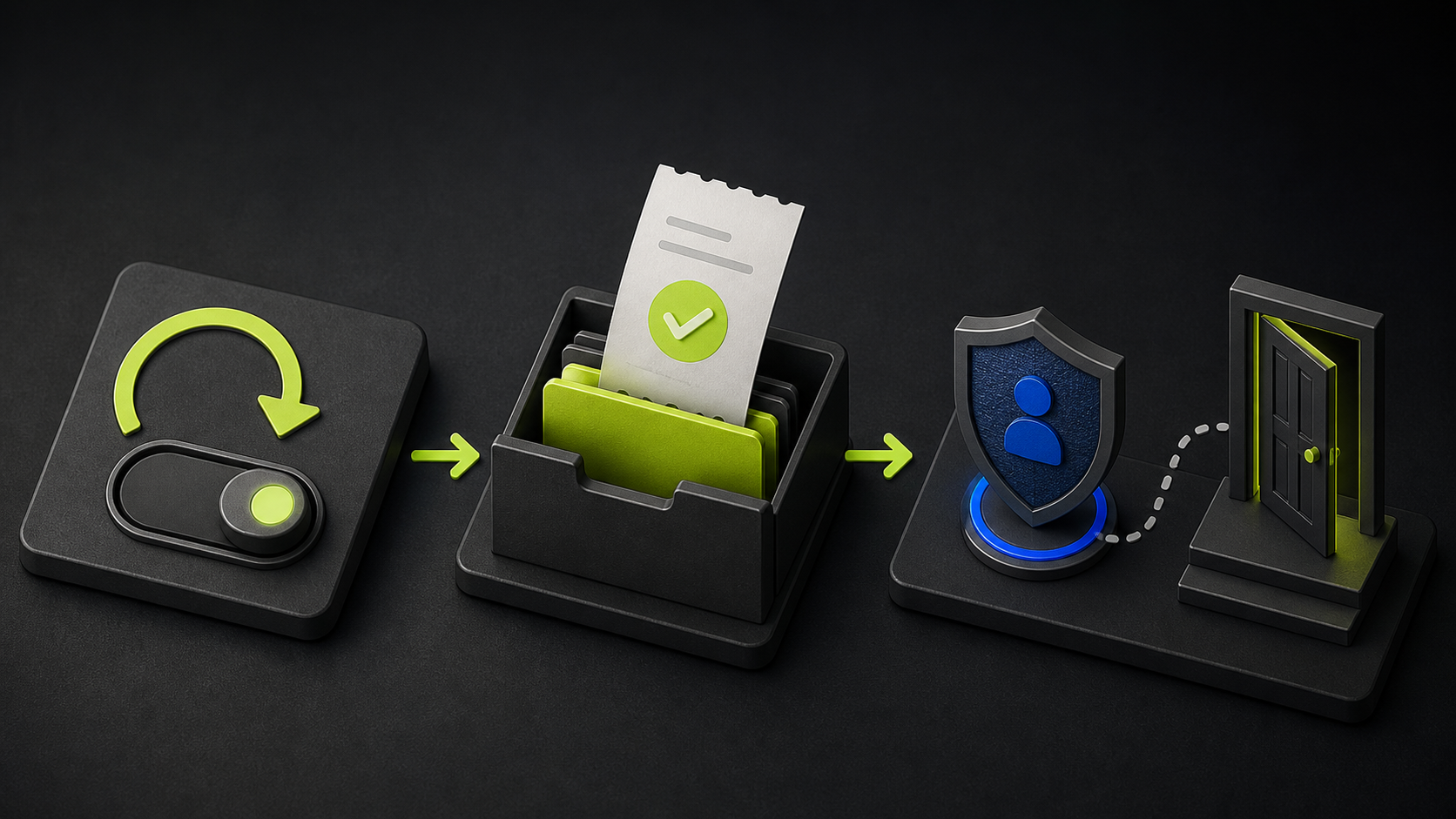
Account deletion is a separate privacy decision
Turning off renewal answers “Will I be billed again?” Deleting an account answers “What account and personal data remain?” They may be connected, but they are not the same operation.
Before deleting an account:
- confirm renewal is off;
- download receipts or billing history you may need;
- save purchased files or keys only where the license permits;
- remove public profile details and review visibility settings;
- check whether deletion removes access immediately;
- read the provider’s deletion notice for retention, legal, or fraud-prevention exceptions.
Patreon’s August 2026 help pages illustrate why current, provider-specific checks matter: its membership visibility controls and cancellation flow have changed, while its duplicate-account guidance says deleting that Patreon account immediately cancels memberships on that account. That does not establish a universal rule for every adult-game seller or app store.
If you cannot find the subscription
Unknown adult game recurring charges require merchant identification before a reliable exit is possible.
Work from evidence, not the game title. Search email for the exact amount, transaction date, statement descriptor, “renewal,” “membership,” “subscription,” and “receipt.” Check Apple and Google subscription lists under every account you actually use. Review creator-support memberships and direct processor receipts.
If the charge is genuinely unrecognized, lock the card if your issuer offers that control and contact the issuer through the number on the card or its official app. Say whether the issue is an unknown merchant, a renewal after confirmed cancellation, or a duplicate charge. Those are different disputes.
The five-minute exit checklist
- ☐ I found the exact merchant or billing platform.
- ☐ I canceled where the charge is controlled, not only inside the game.
- ☐ I saved the confirmation and effective end date.
- ☐ I checked for pending charges and refund rules separately.
- ☐ I preserved receipts before deleting anything.
- ☐ I reviewed profile visibility and account-deletion consequences.
- ☐ I scheduled a post-renewal statement check.
FAQ
Does uninstalling an adult game stop payment?
Not by itself. Google explicitly says uninstalling an app does not cancel its subscription. For any game, verify the billing platform and obtain a cancellation confirmation.
Why can I still play after canceling?
Some plans keep access active until the end of the paid period. Continued access is not proof that renewal is still on; check the displayed renewal or expiry status.
Can a charge happen after cancellation?
It can if the charge was already due or pending under the plan’s rules. Patreon, for example, documents pending per-creation bills and charges when cancellation occurs on or after a renewal date. Compare the transaction timing with the provider’s confirmation.
Should I delete the account immediately?
Usually preserve receipts and confirm cancellation first. Deletion can remove access to billing history or purchased files, and its effect on subscriptions varies by provider.
What if the statement name does not match the game?
Use the descriptor, amount, date, and receipt email to identify the merchant or processor. If you still cannot identify it, ask the card issuer through an official channel.
Reviewed August 24, 2026. This article provides a decision process, not a guarantee of cancellation or refund. Platform rules can change; the provider account and dated confirmation are the source of truth for a specific charge.


