

YPA privacy guide · Adults only · Reviewed 12 August 2026
Use private mode for the right job
- Use it to separate a temporary browser session from your normal history and cookies.
- Close every private window when finished; closing one tab may not end the session.
- Do not sign in if you want to avoid directly linking the session to that account.
- Delete downloads and bookmarks separately if you do not want them left on the device.
- Treat websites, your internet connection and managed-device software as separate visibility layers.
What incognito mode actually changes
Private browsing creates a separate browser session. In Chrome, history, cookies and site data from that session are not retained after all Incognito windows close. Firefox similarly keeps private-window cookies and site data separate and discards them at the end of the private session. Safari says private-window history, recent searches, AutoFill changes and cookie changes are not saved. Edge clears its InPrivate history, cookies, cached files and form data when every InPrivate window closes.
That makes private mode useful when several adults share a computer, when you do not want a sensitive visit mixed into normal autocomplete and history, or when you want to test a website without using your ordinary signed-in cookies.
For incognito mode on adult sites, that local boundary is the benefit—and the limit. It is not an invisibility switch.
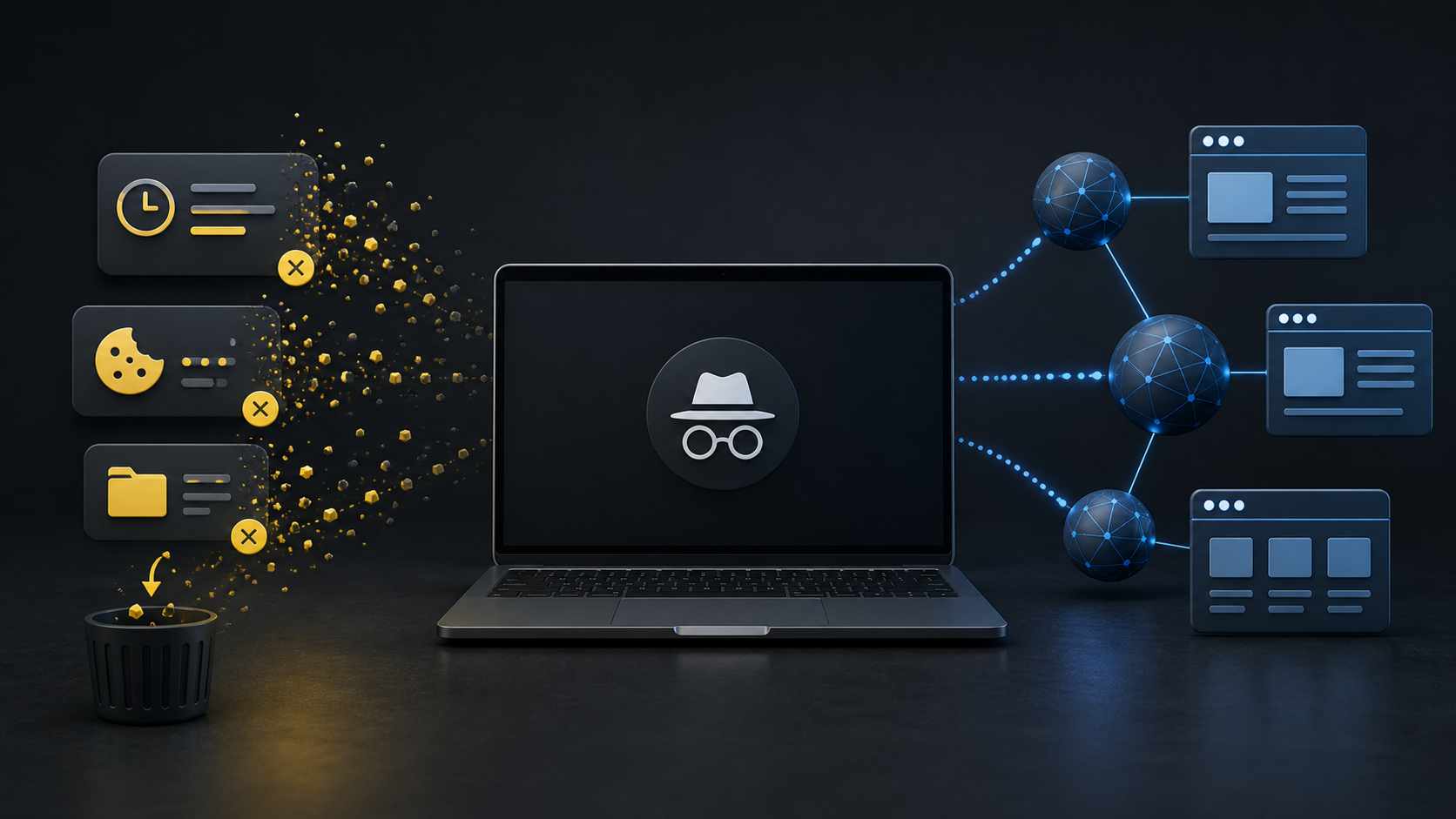
Private browsing: what changes and what stays visible
| Question | Typical private-mode result | What you still need to know |
|---|---|---|
| Will the visit appear in normal browser history after the session ends? | Usually no | All private windows must close. Managed-device software or another app may keep separate records. |
| Are session cookies kept for the next normal window? | Usually no | Cookies remain active during the private session and can still personalize pages until it ends. |
| Does the website see that someone connected? | Yes | The site can receive network and browser information and can identify an account after sign-in. |
| Can an ISP, employer, school or managed network observe activity? | Potentially yes | Chrome, Firefox and Edge explicitly warn that private mode does not hide activity from these observers. |
| Are downloads removed? | No | The download-list entry may be cleared, but the downloaded file remains until you delete it. |
| Are bookmarks removed? | No | A bookmark created during the private session normally remains. |
| Does private mode stop phishing, unsafe downloads or malware? | No | Browser security protections may still operate, but private mode itself is not extra malware protection. |
This table summarizes documented browser behavior checked on 12 August 2026. Browser versions, settings, extensions and device-management policies can change the result.
Why incognito mode for adult sites has limits
Adult websites may involve sensitive searches, account profiles, payment records, direct messages, downloads or personalized recommendations. Private mode can reduce what the browser leaves in its ordinary local history. It cannot undo information you deliberately send to a service.
If you sign in, the service can associate activity with that account. If you pay, the website, payment processor and financial provider may retain transaction records under their own policies. If you download a file, it remains on the device. If you allow notifications, camera, microphone or location access, those permissions and the data shared during the session deserve a separate check.
For that reason, the useful question is not “Am I anonymous?” It is “Which layer am I trying to keep separate?”
Five privacy layers to check before opening an adult site
- Other people using the device. A private window can reduce normal history and cookie traces, but downloads, bookmarks, screenshots and open windows need separate attention.
- The website and its partners. Read the privacy, cookie, payment and account-deletion terms. Private mode does not stop the site receiving the information required to serve the page.
- Your account identity. Signing in tells the service which account is present. Use a distinct email address only if it fits your real security and recovery plan; do not sacrifice recoverability for an illusion of separation.
- The network and device owner. An ISP, workplace, school, family-safety product or device-management tool may operate outside the browser’s private-history boundary.
- Files and permissions. Check downloads, bookmarks, notification permissions, camera/microphone access and saved payment information rather than assuming the window cleaned them.
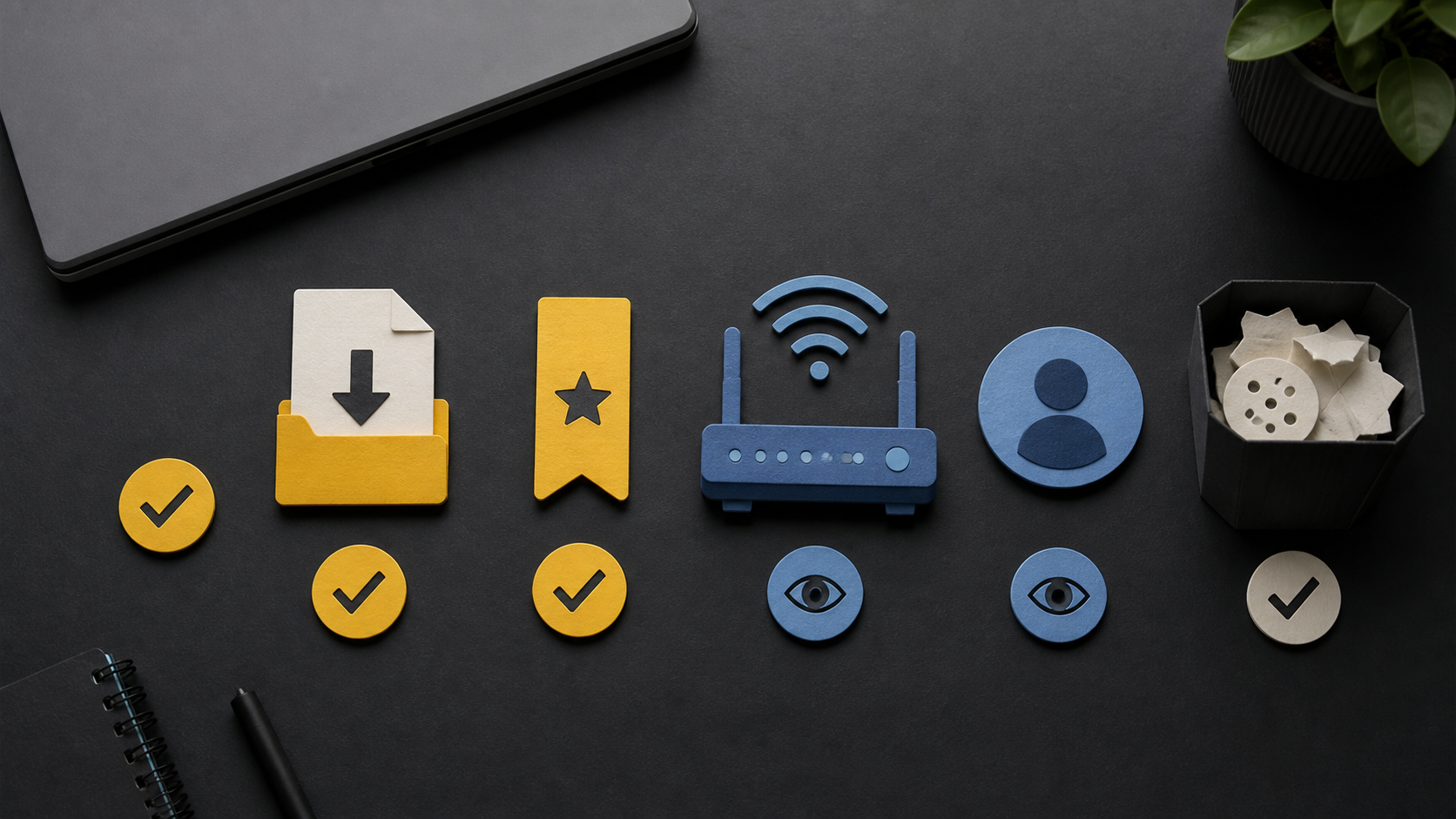
A practical before-and-after checklist
Before the visit
- Update the browser and operating system.
- Check whether the device or browser says it is managed by an organization.
- Open a genuinely private window, not just a new normal tab.
- Review whether extensions are allowed in private mode and disable any you do not trust.
- Decide whether signing in is necessary for the task.
When you finish
- Sign out if you used an account.
- Close every private window, not only the current tab.
- Review the Downloads folder and remove files you do not want retained.
- Remove any bookmark you created unintentionally.
- Check notification, camera, microphone and location permissions if the site requested them.
Private mode is not the same thing as a VPN or a separate browser profile
Private mode mainly changes local session storage and separation. A VPN changes where network traffic is routed and shifts trust toward the VPN provider; it does not stop a signed-in website from knowing the account, remove files, or make unsafe content harmless. A separate browser profile keeps longer-lived cookies, history and settings apart, but those records remain until the profile is cleared or removed.
No single tool covers every layer. Choose a control for the specific problem instead of stacking privacy labels and assuming the result is anonymity.
Frequently asked questions
Can my partner or roommate see adult sites I opened in incognito?
The sites should not appear in the browser’s ordinary history after every private window closes, but an open window, downloaded file, bookmark, account notification, router or device-management record may still reveal activity.
Does incognito hide my IP address?
Chrome and Firefox state that private mode does not mask your IP address. Safari can apply additional tracking and fingerprinting protections, and some Apple privacy features can hide an IP address in eligible configurations, but that is not a general property of private browsing.
Does private mode make payment anonymous?
No. A merchant, payment processor, bank, card issuer or digital-wallet provider may retain transaction information. Check the actual billing description and terms before paying.
Will closing incognito delete a downloaded video or image?
No. The browser may clear the download-list entry, but the file itself remains in the download location until it is deleted.
Sources and scope
- Google Chrome Help: Browse in Incognito mode
- Google Chrome Help: How Incognito keeps browsing private
- Mozilla Support: Common myths about Private Browsing
- Apple Support: Browse privately in Safari on Mac
- Microsoft Support: Browse InPrivate in Edge
Read the YPA methodology and use the Corrections Policy to report a factual error.
This guide explains documented browser behavior; it does not promise anonymity, security or protection from tracking, malware, account compromise or legal consequences. Features vary by browser version, settings, extensions, operating system and device-management policy.


